Work just won't open.
Open Teams at 9pm and it quits straight away. Work folders are locked and work sites are blocked.
You get a gentle alert instead, with a reminder of what you'd rather be doing.
 Boundary
Blocks work apps, folders and sites after hours.
Free, open source and offline.
Then sudo boundary install
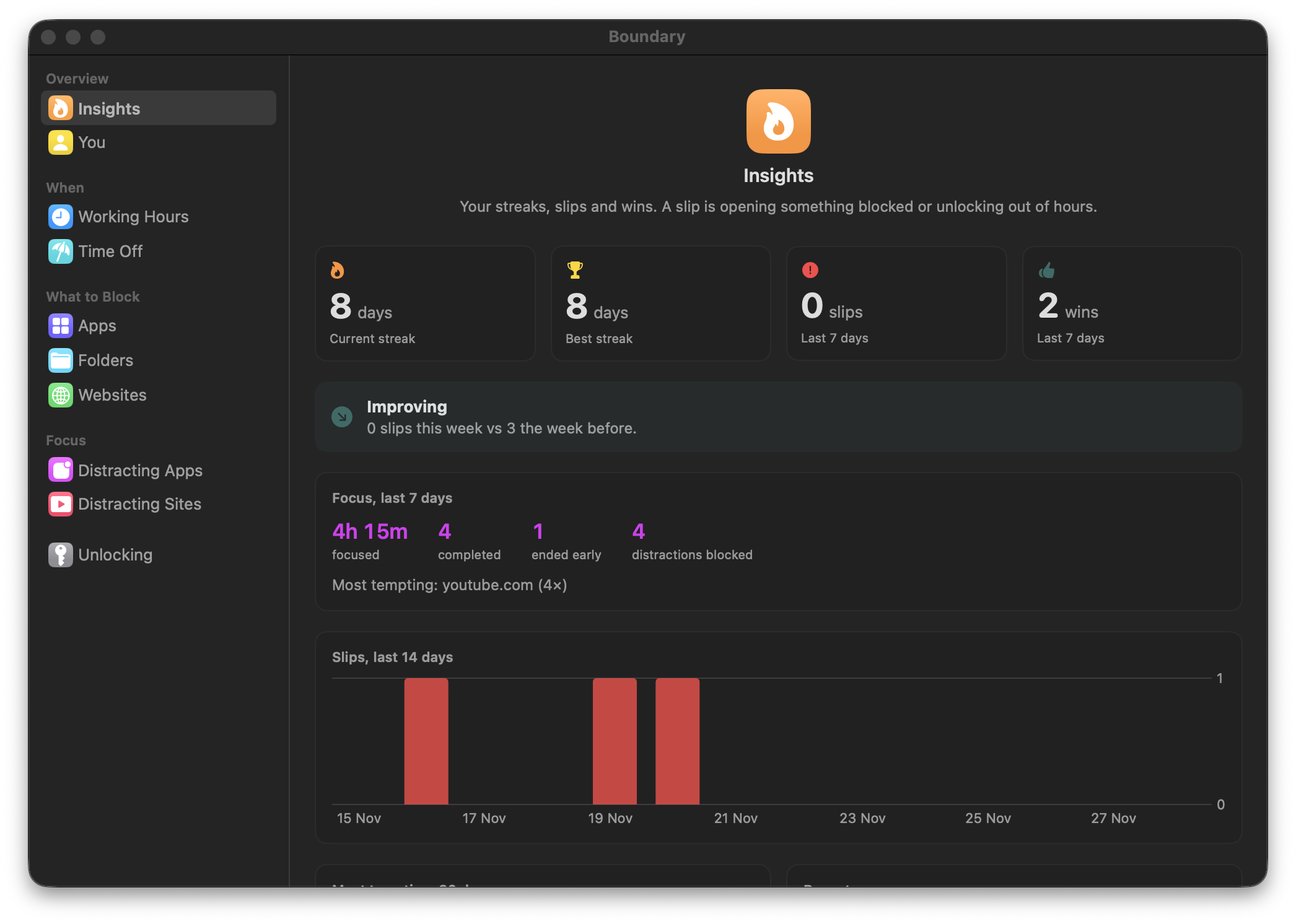
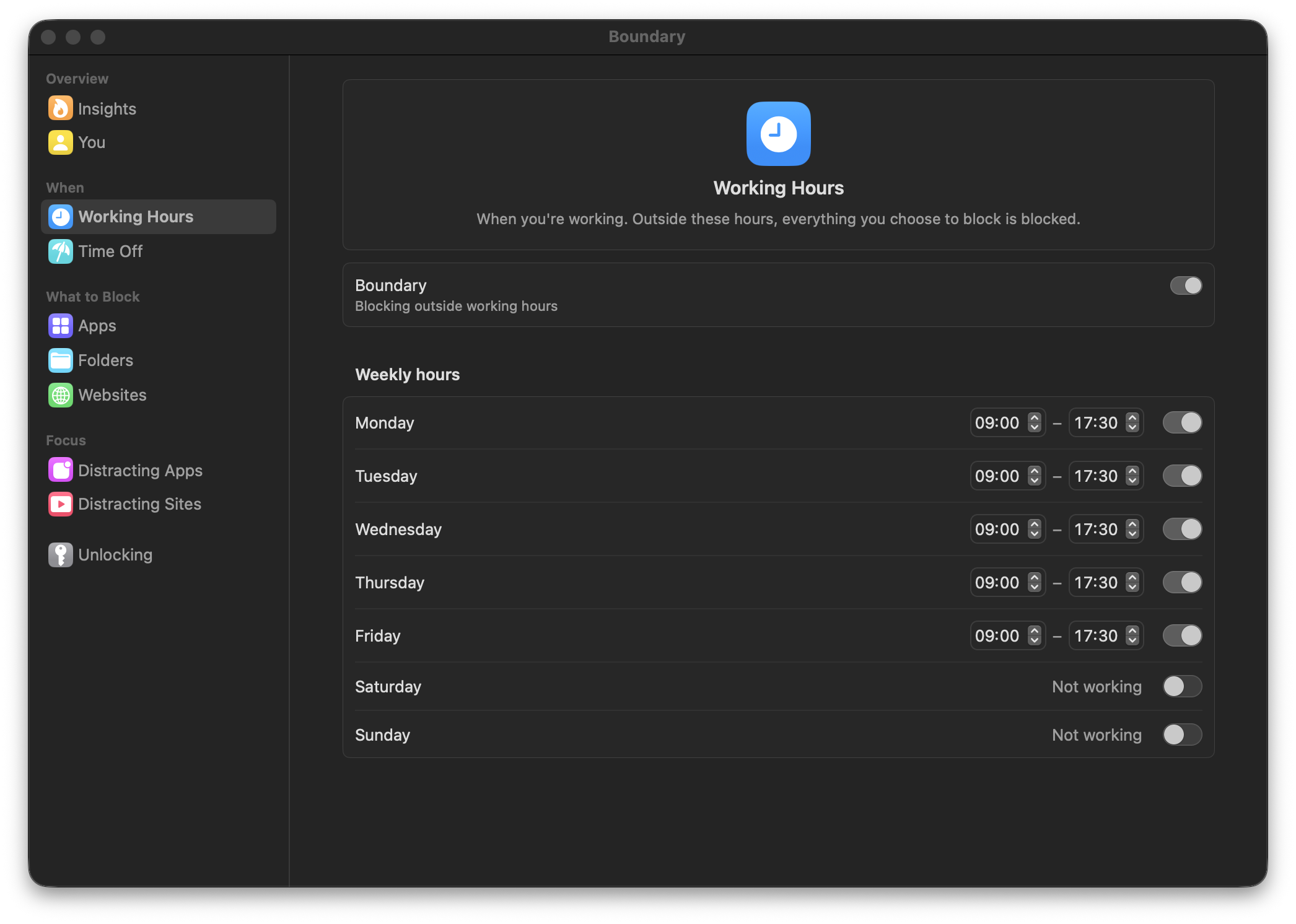
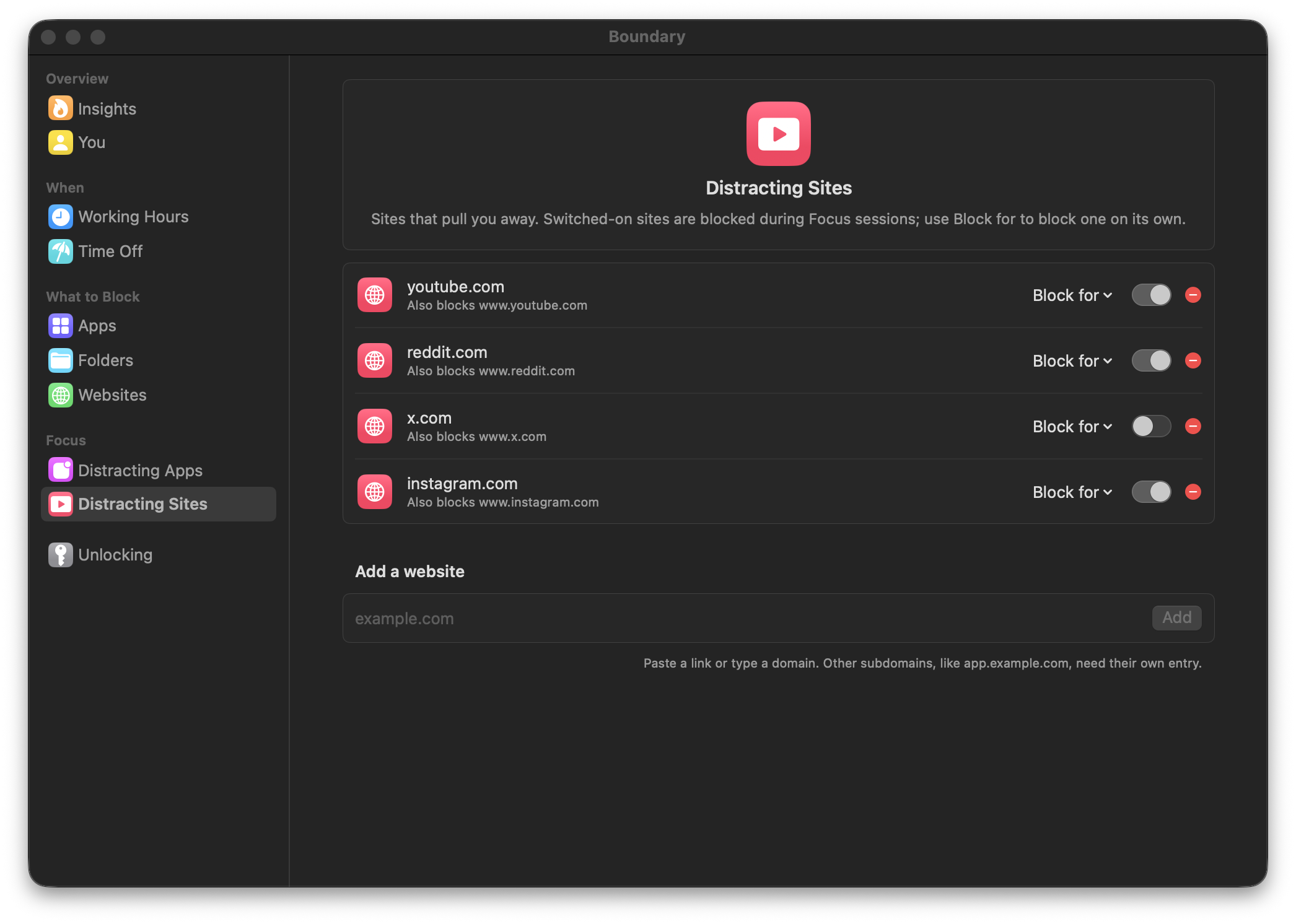
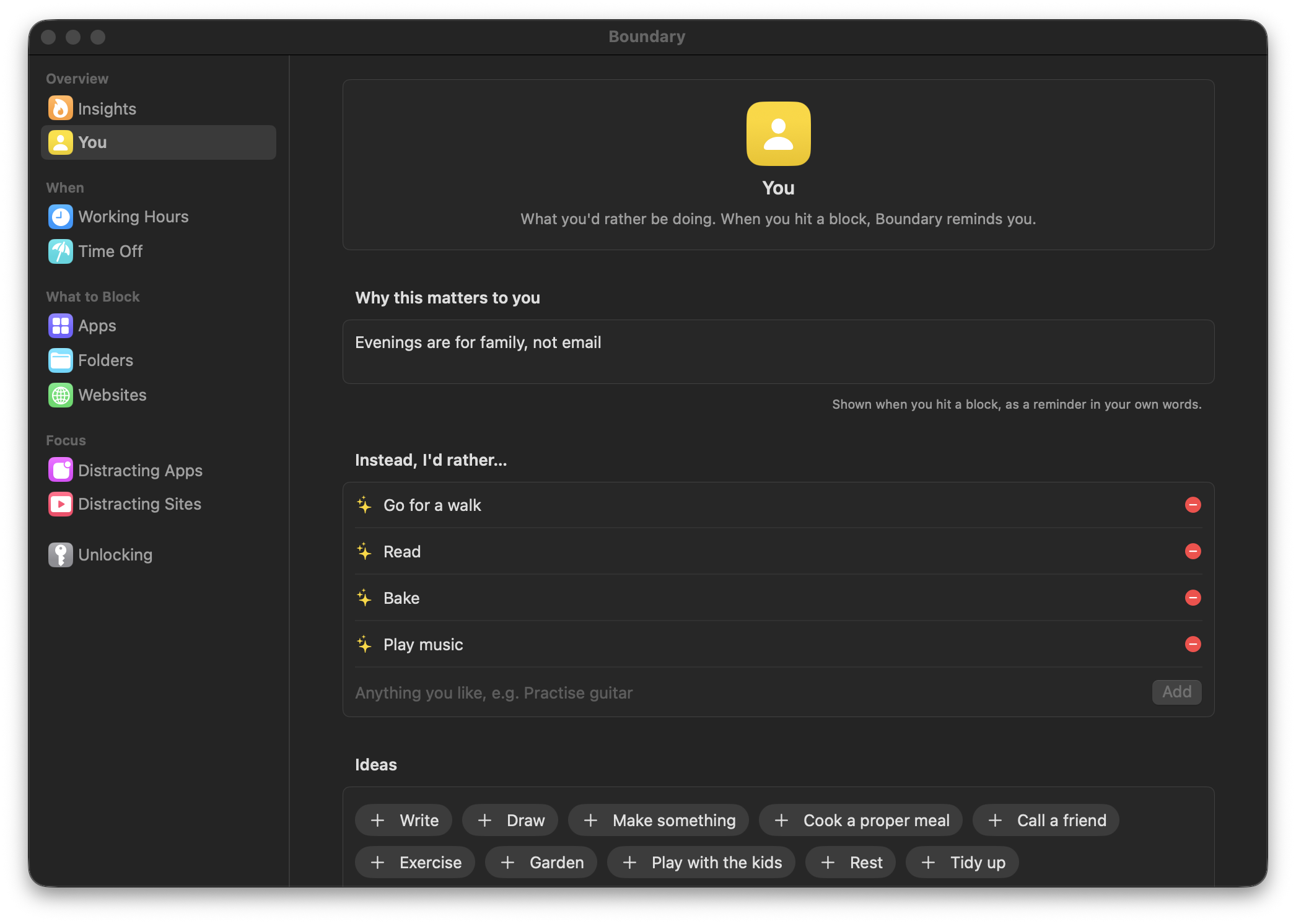
Everything stays on your Mac. No account, no cloud.
Work sites are blocked in every browser, not just one.
CC0 source you build yourself, so there's no binary to trust.
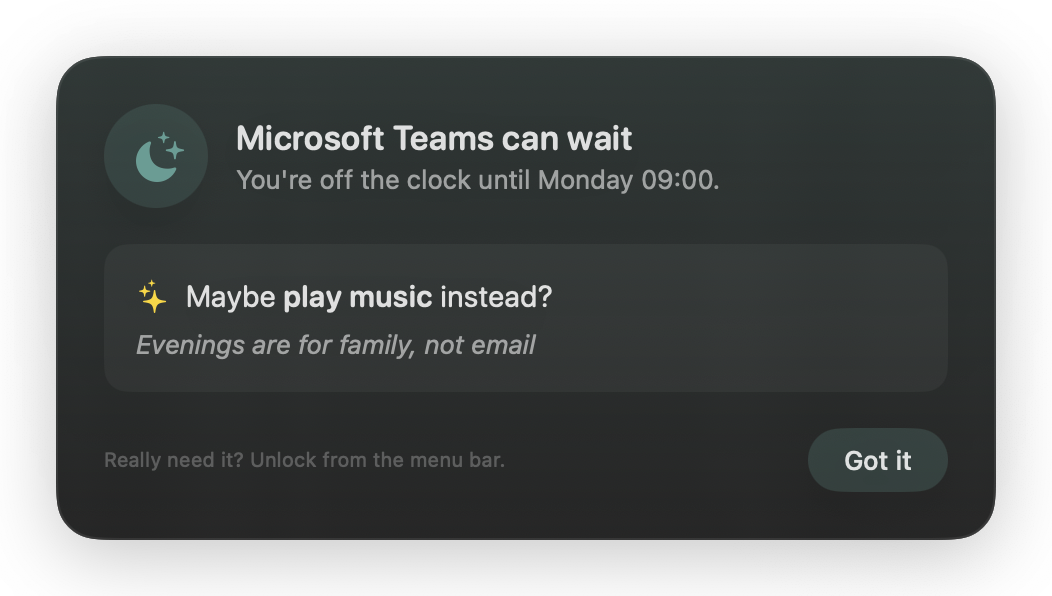
Open Teams at 9pm and it quits straight away. Work folders are locked and work sites are blocked.
You get a gentle alert instead, with a reminder of what you'd rather be doing.
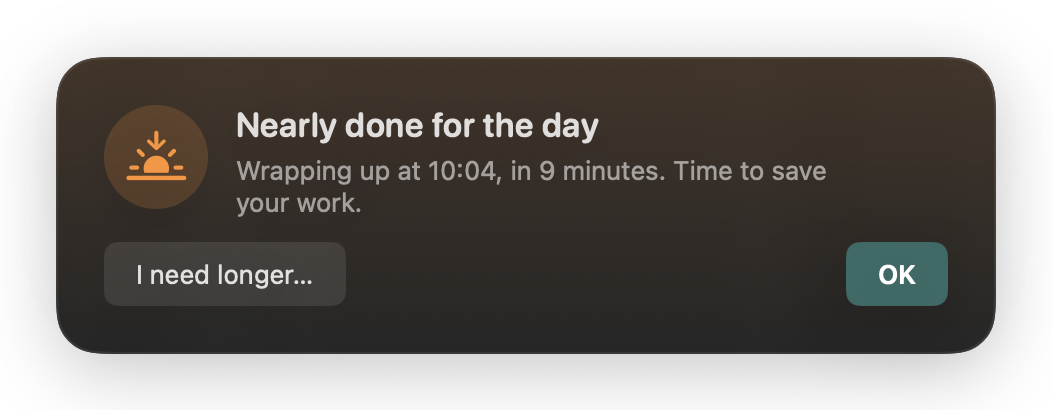
Boundary warns you 10 minutes before blocking starts, so you can save your work.
Need longer? Type the phrase and add 15, 30 or 60 minutes.
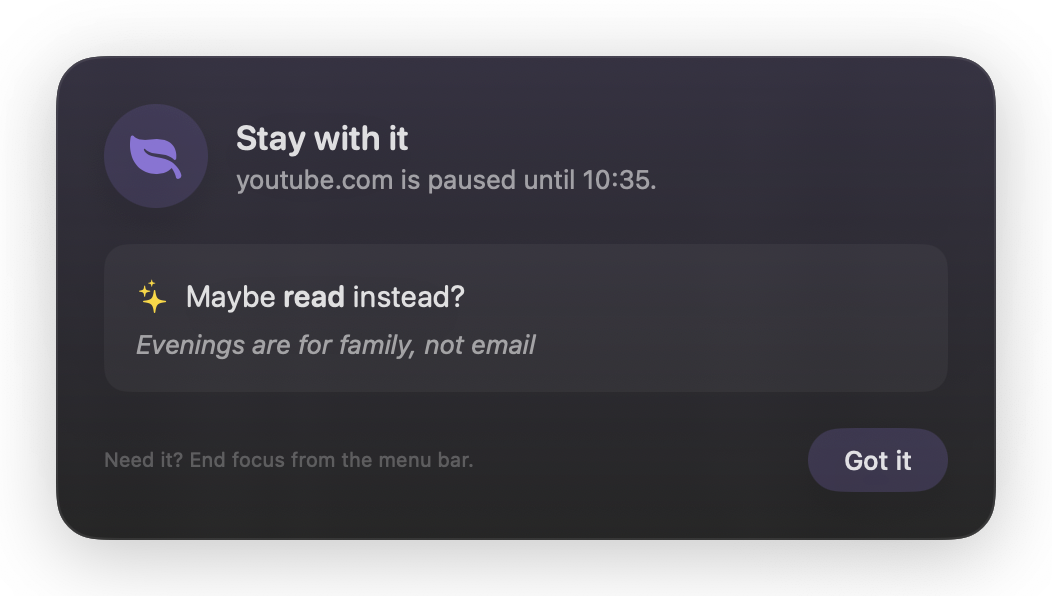
Shut out YouTube, Reddit and whatever else gets you, for 25 minutes, an hour or two, at any time of day.
Ending early needs the phrase and a countdown.
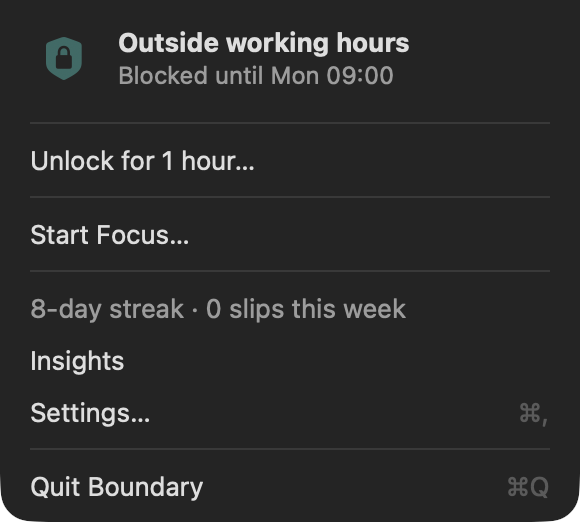
Boundary lives in your menu bar. See whether you're blocked, start a Focus session or check your streak at a glance.
Boundary comes with an MCP server, so Claude Code, Cursor or any other MCP client can change your hours and blocks, or start Focus. There's no unlock tool, so it can't let you off.
Claude Code is set up for you when you install. For other clients, add the config to their MCP settings.
{
  "mcpServers": {
    "boundary": {
      "command": "/Applications/Boundary.app/Contents/MacOS/boundary-mcp"
    }
  }
}
Not impossible, just enough friction that you stop and ask whether it can wait.
Unlocking means typing a phrase you choose, word for word.
Then a 10-second "Are you sure?" before anything opens.
Relaxing your rules out of hours only kicks in once you unlock.